Quick Start: Launch a campaign in 5 minutes
This guide takes you from registration to launching your first ad campaign. No complex setup — just simple, straightforward steps.
- Email for registration
- Campaign description and creatives (banner or footage)
Steps
Register
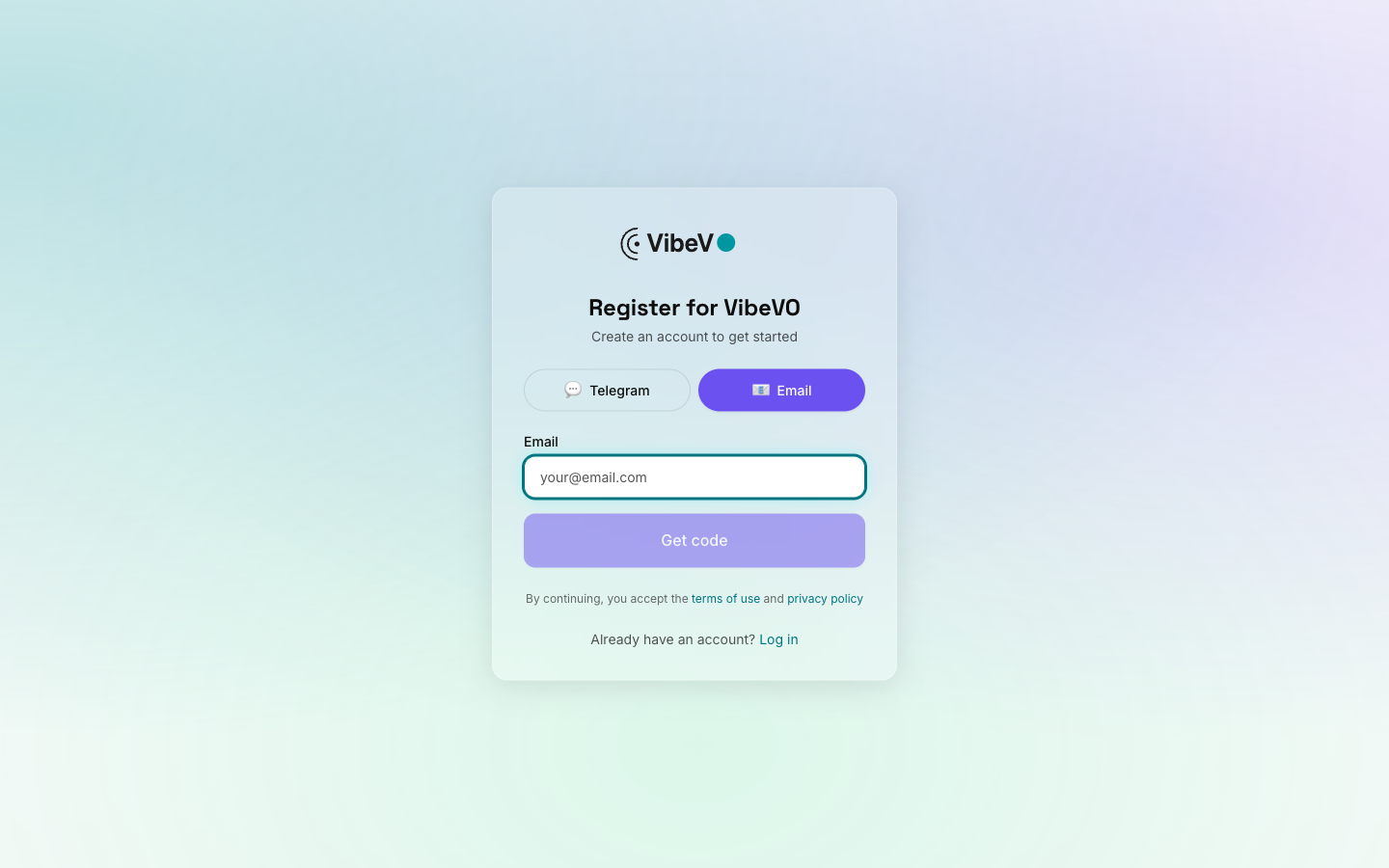
Go to advertiser.vibevo.io/register and create an account. Choose the "Advertiser" role, enter your email and company name.
Top up your balance
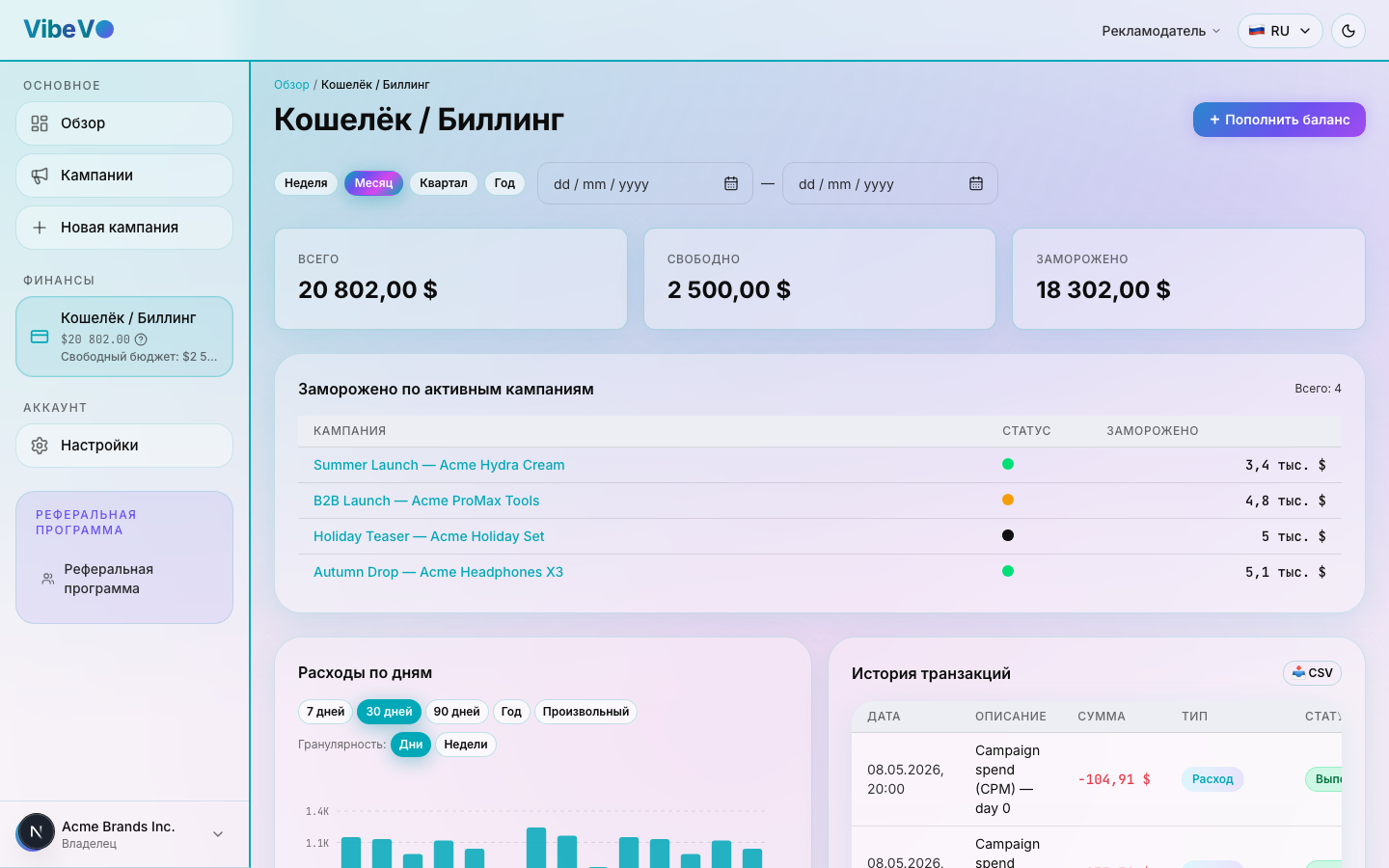
After registration, go to the Billing section. Click "Top up" and choose a convenient payment method.
Create a campaign
Click "Create campaign" on the dashboard — the wizard will open. It's divided into several steps: type, creative, content categories, geo, and price.
3.1. Choose campaign type
Choose from the formats available in the creation form. The format determines the type of post, the required materials and the workflow. The campaign creation guide compares the formats and explains their requirements. Campaign formats and requirements
Mass posting with your content
Your ready-made content is uniqueized without distorting the message and posted from warmed-up pages to reduce CPV on expensive integrations.
Sticker ads in viral videos
Creators take cuts of viral content from selected topics, overlay an animated banner, and publish the videos on their pages.
Long-form video clipping and scaled distribution
Creators take a long video from the brief, cut it into short moments, and publish them on their own pages.
UGC
Human creators film original videos from your brief and publish approved content on their social accounts.
Brief-based AI content
Creators prepare AI content from your brief, materials and selected geography.
3.2. Upload your creative
Creatives are split by placement platform:
- Chroma key banner — for Instagram and YouTube. The main object on a solid (green) background; the creator places it over their own video.
- Footage — for TikTok. A complete short video without chroma key — the creator uses it as a standalone insert.
3.3. Choose a category
Specify which category your product belongs to — this helps creators find your campaign in the catalog faster. Available categories:
- Creator
- E-commerce
- Music
- Podcast
- Software
- Streaming
- Games
- Other
3.4. Geo and price
Specify the countries / regions where your creative should be shown and set your CPM rate. More details in the full campaign creation guide.
Submit for moderation
Submit the completed campaign for review. Follow its status in your dashboard; if changes are required, address the feedback and submit the campaign again. The actual review time depends on the campaign’s conditions and the outcome of the review. Campaign review and changes
Campaign is live!
Once approved, the campaign automatically becomes available to creators. Track metrics in the Analytics section.
Explore analytics to evaluate ROI and campaign management to scale up.
Was this article helpful?
Updated: September 23, 2026