Settings
In settings, you can change your company name, link an available additional sign-in method, and manage team access.
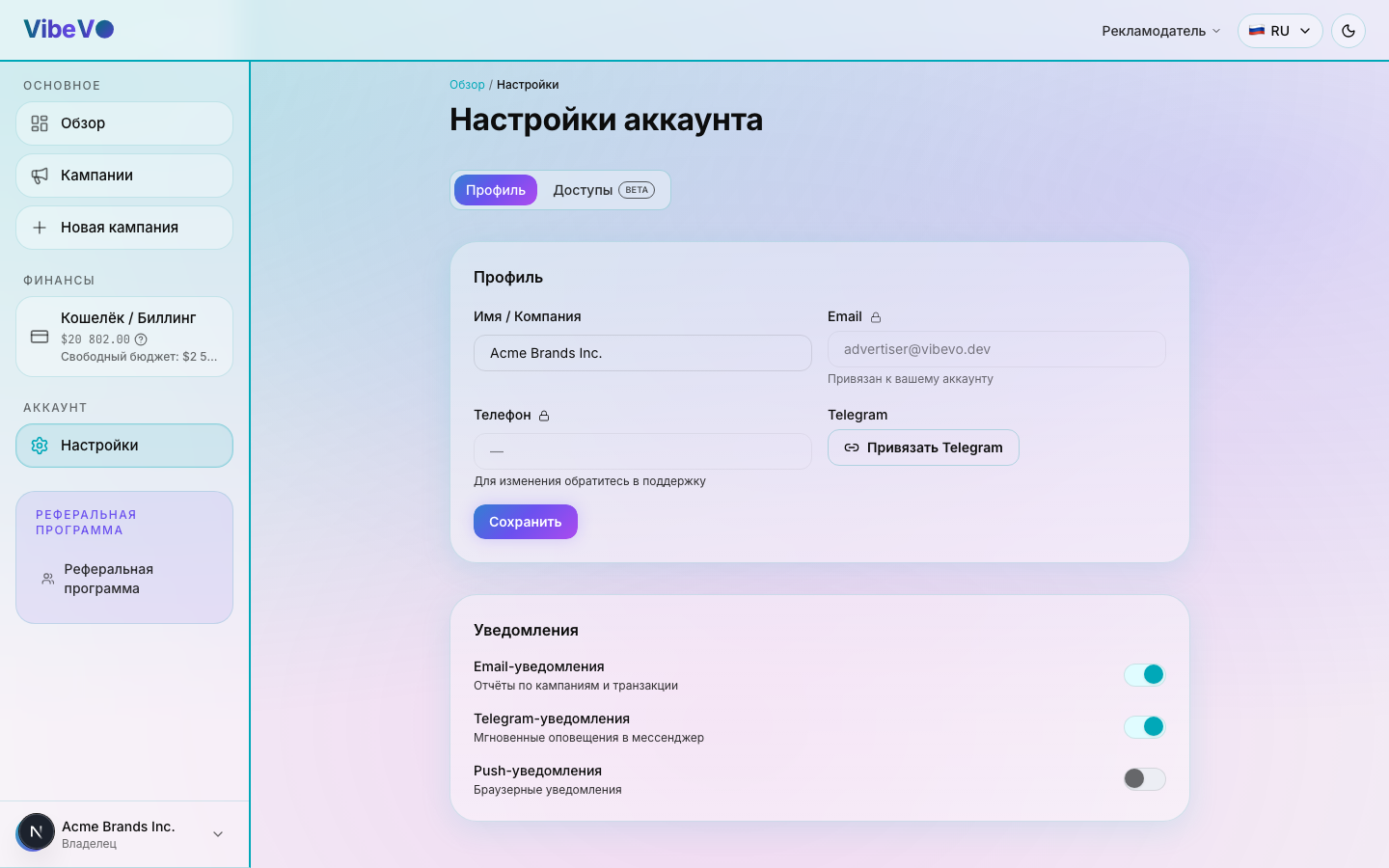
Profile
The Profile tab has one editable field:
- Company name — shown in your dashboard and visible to creators in campaigns.
Your profile also shows your contact details:
- Email — Your linked email for signing in with a one-time code.
- Phone — optional field filled in during sign-up.
- Telegram — shown if you have linked Telegram to your account.
You can link a missing email or Telegram using a separate form in settings. Values that are already linked are protected from editing; follow support's instructions to replace them. Linking a sign-in method does not replace connecting accounts used for publishing.
Notification delivery settings
Linking an email or messenger to your profile and choosing notification types are different actions. A linked channel may be used for sign-in and messages, but linking it does not subscribe you to every type of notification.
The general Email, Telegram, and Push switches in cabinet settings do not currently control message delivery. The profile save button does not apply these switches. If you need help receiving or turning off messages, contact support and specify the channel and notification type.
Creators have a separate, working setting for receiving new offers. It is saved separately and applies to new offers, not to every platform message. See the new offers section in creator settings for more details.
Access (BETA)
Team
On the Access tab you can invite teammates to your advertiser account with Viewer or Editor permissions. The feature is in beta.
Full team collaboration guide: Team collaboration.
Was this article helpful?
Updated: September 23, 2026