Campaign details
The campaign details page contains everything you need: performance metrics, a list of creator posts, moderation status, and management tools.
When reviewing posts, compare the work with the brief and the instructions for its format: Campaign types: a creator guide.
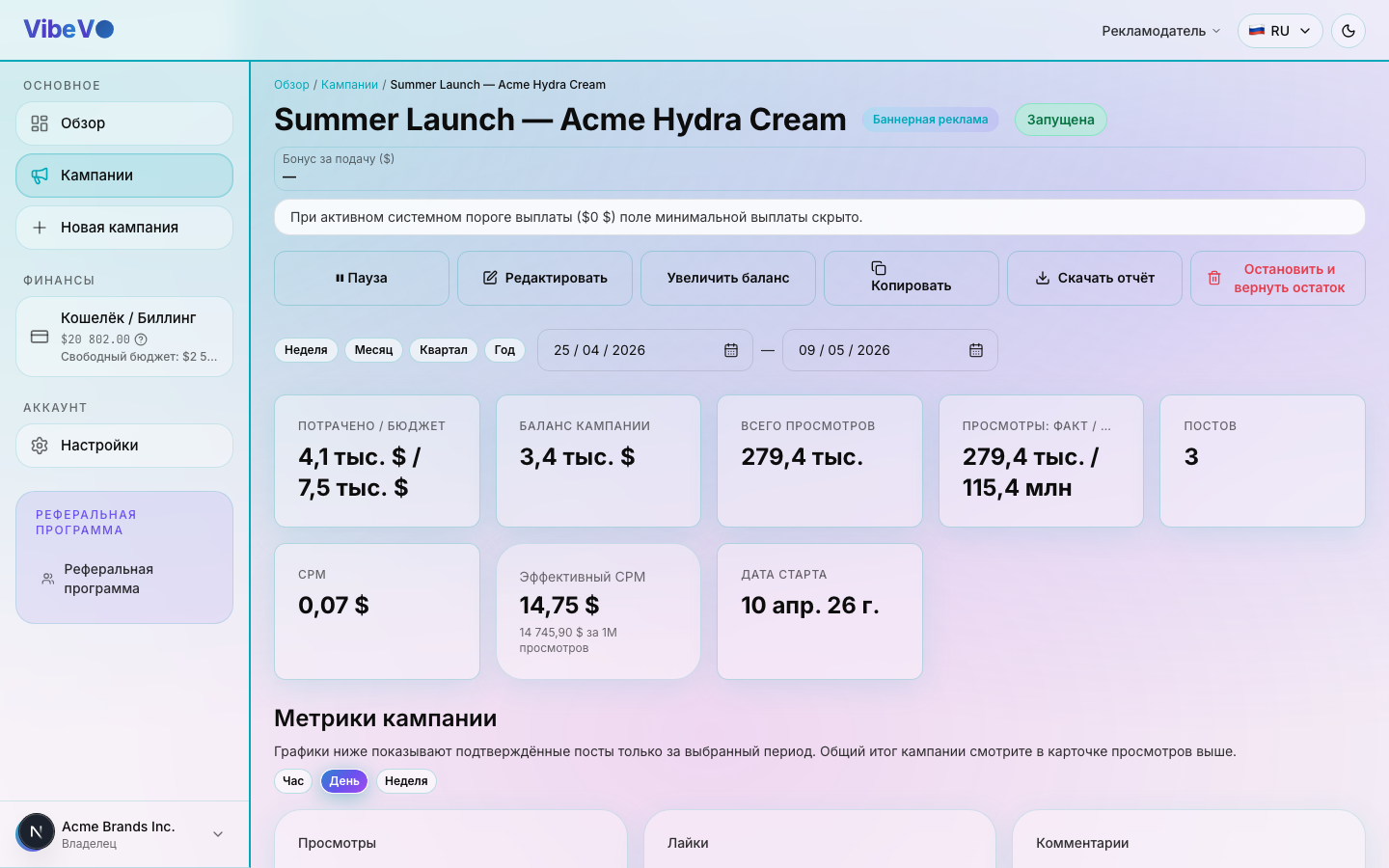
Key metrics
The top of the page shows the campaign's key indicators:
| Metric | Description |
|---|---|
| Views | Total number of verified views |
| Reach | Views are not unique viewers; repeat views may be counted |
| Spend | Amount spent from the campaign budget |
| CPM (actual) | Actual cost per 1,000 views |
| Creators | Creators who submitted at least one video |
| Posts | Total number of published posts |
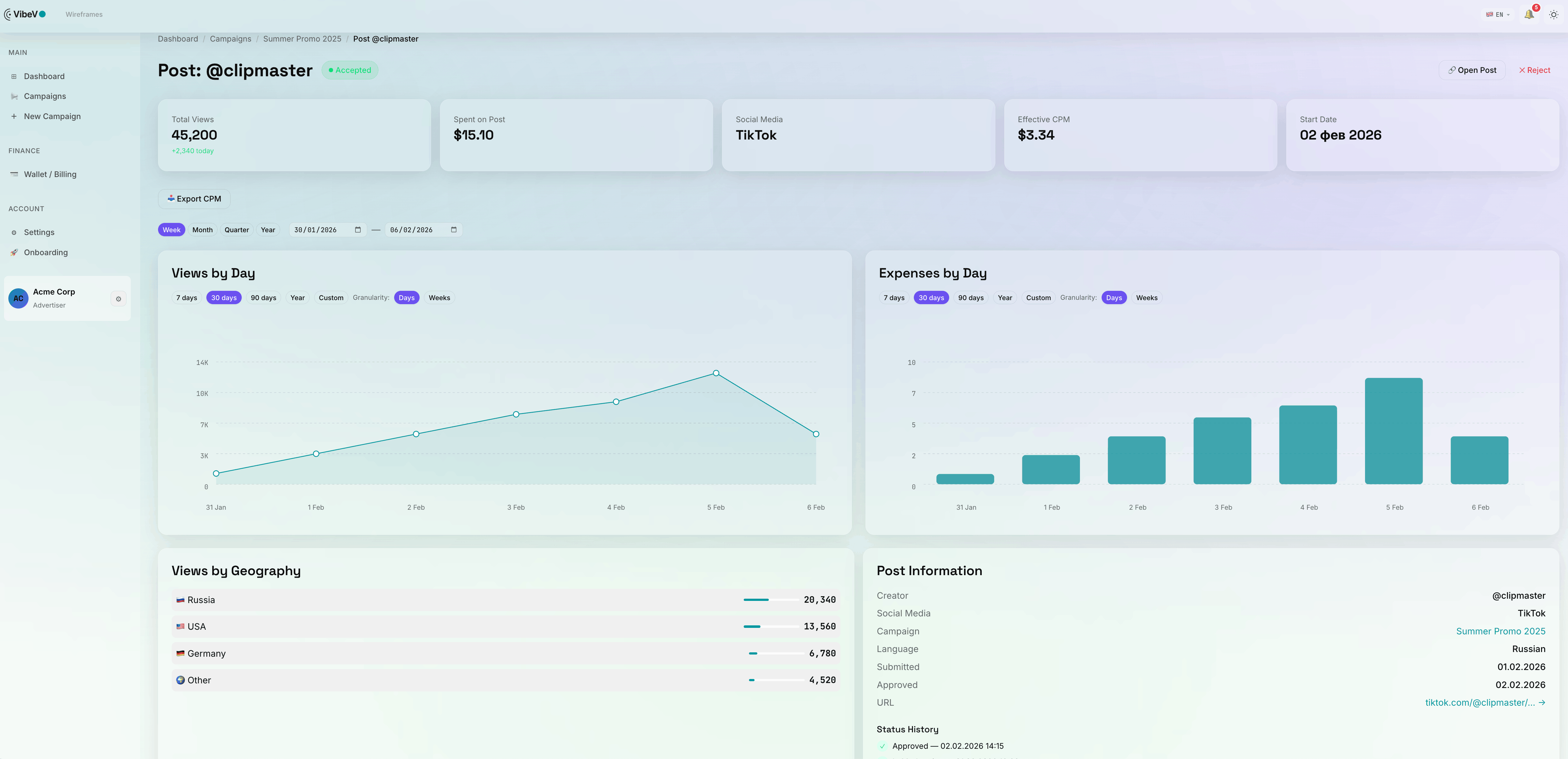
Creator posts
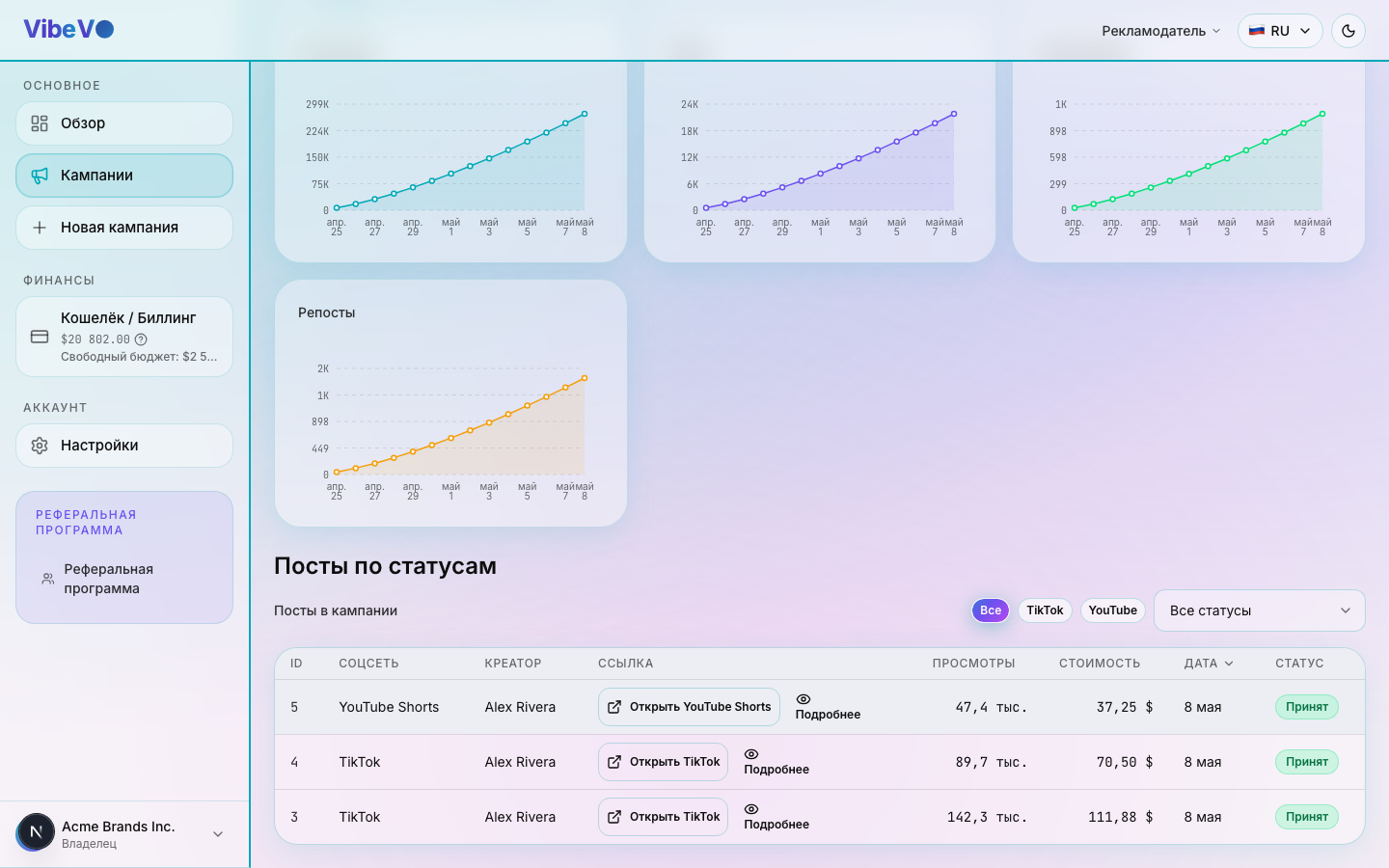
The Posts section contains a list of all creator publications linked to the campaign. Each post shows the following information:
- Creator — the author's name and avatar
- Platform — YouTube, TikTok, Instagram, or VK Video
- Link — direct link to the video
- Views — number of verified views
- Moderation status — approved, under review, or rejected
- Publication date — when the post was published
Post moderation statuses
Amounts and views awaiting review are shown separately from confirmed results. Confirmed spending is gross recorded spending minus spending under review, with a floor of zero. Figures may change after review; rejected views are identified separately.
A post status indicates its moderation stage. Read it alongside the metrics: awaiting review does not yet mean a confirmed result. This spending hold is different from the campaign balance listed under “Frozen” in your wallet.
| Status | What it means |
|---|---|
| Under review | Post submitted by the creator and awaiting moderator review |
| Approved | Post passed moderation, views are being counted |
| Rejected | Post doesn't meet requirements. The creator will receive a moderator comment |
Budget management
When available, use “Increase campaign balance” to transfer funds from free balance. This form does not support reducing the balance. To stop permanently, use “Close campaign” and review its consequences and deadlines before confirming.
Creator counts and slots
“Submitted ≥1 video” counts creators who submitted at least one video to the campaign. It is not the count of everyone who took the offer or the number of occupied slots. One creator can submit several posts.
A slot limits participation by one creator, not the number of posts or views. It does not guarantee budget, volume or delivery speed. Platform staff manage slot limits; these controls are not available in the standard advertiser portal.
Destination and tracking links
A destination URL is the final address a viewer should reach. A tracking URL redirects there through the click measurement system, connecting recorded clicks to the campaign and placement.
Give multiple links clear names. For Stories, named links help creators select the intended destination. A required bio link is a separate placement condition that affects the recommended price; clickable link options differ by social platform.
Check clicks and CPC in campaign details and link statistics. A click does not confirm a purchase or registration.
The campaign report in Excel
The download button creates a separate file with the campaign’s data at the time of export. It does not update along with your dashboard: download a new report for fresh results.
Local filters on the page’s post list do not determine what this file contains. The main posts sheet includes accepted videos. Stories and carousels, when present, have separate sheets. The fields and data available depend on your permissions for the campaign.
Before the download starts, you choose what goes into the file. Clear the boxes for anything you do not need: budget, CPM, spend, payout terms or whole sheets. Spend is hidden together with CPM, because spend and views give the rate straight back. Posts the platform removed after acceptance are left out of the posts and creators sheets by default, while their views stay in the campaign totals. In the page’s post list they sit under the “Removed by the platform” filter. Your last selection is remembered in this browser.
The number of rows in the open table may therefore differ from the number in the file. Before forwarding it, open every sheet and check the data included, the currency and the export date. Hiding a column only in the interface does not, by itself, mean that the column has been removed from the downloaded file.
Was this article helpful?
Updated: September 23, 2026