Quick Start: Start earning in 5 minutes
Connect your account, wait for verification, pick a campaign — and start getting paid for views on your videos.
Before your first post, choose a suitable format and check what to prepare: Campaign types: a creator guide.
- A YouTube, TikTok, Instagram, or VK Video account with active content
- Follower thresholds depend on the campaign and platform settings
- Email for registration
Register
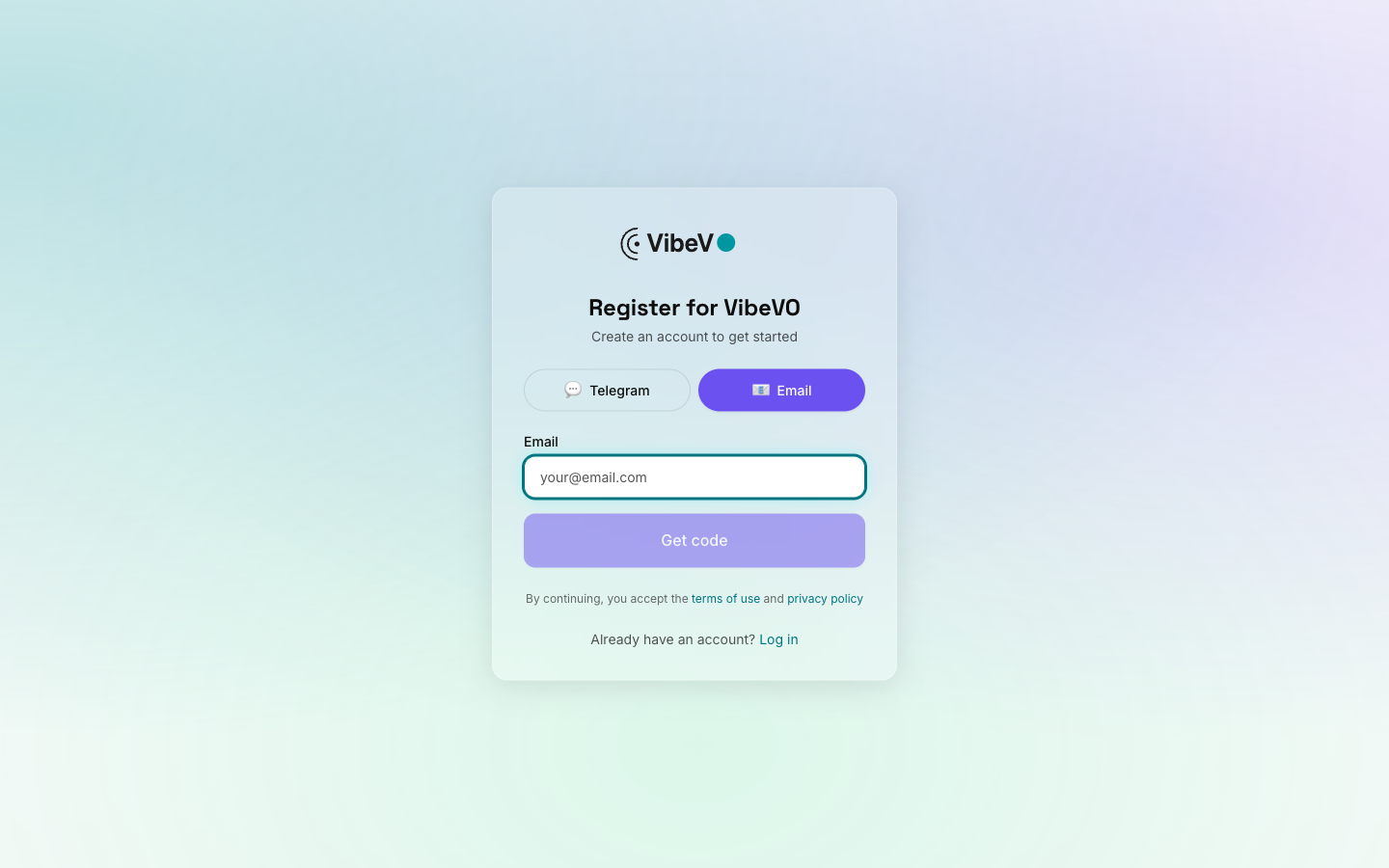
Go to creator.vibevo.io/register and create an account with the "Creator" role.
Connect your social media account
After registration you'll be taken to the onboarding page. Click "Add account" and select your platform: YouTube, TikTok, Instagram, or VK Video.
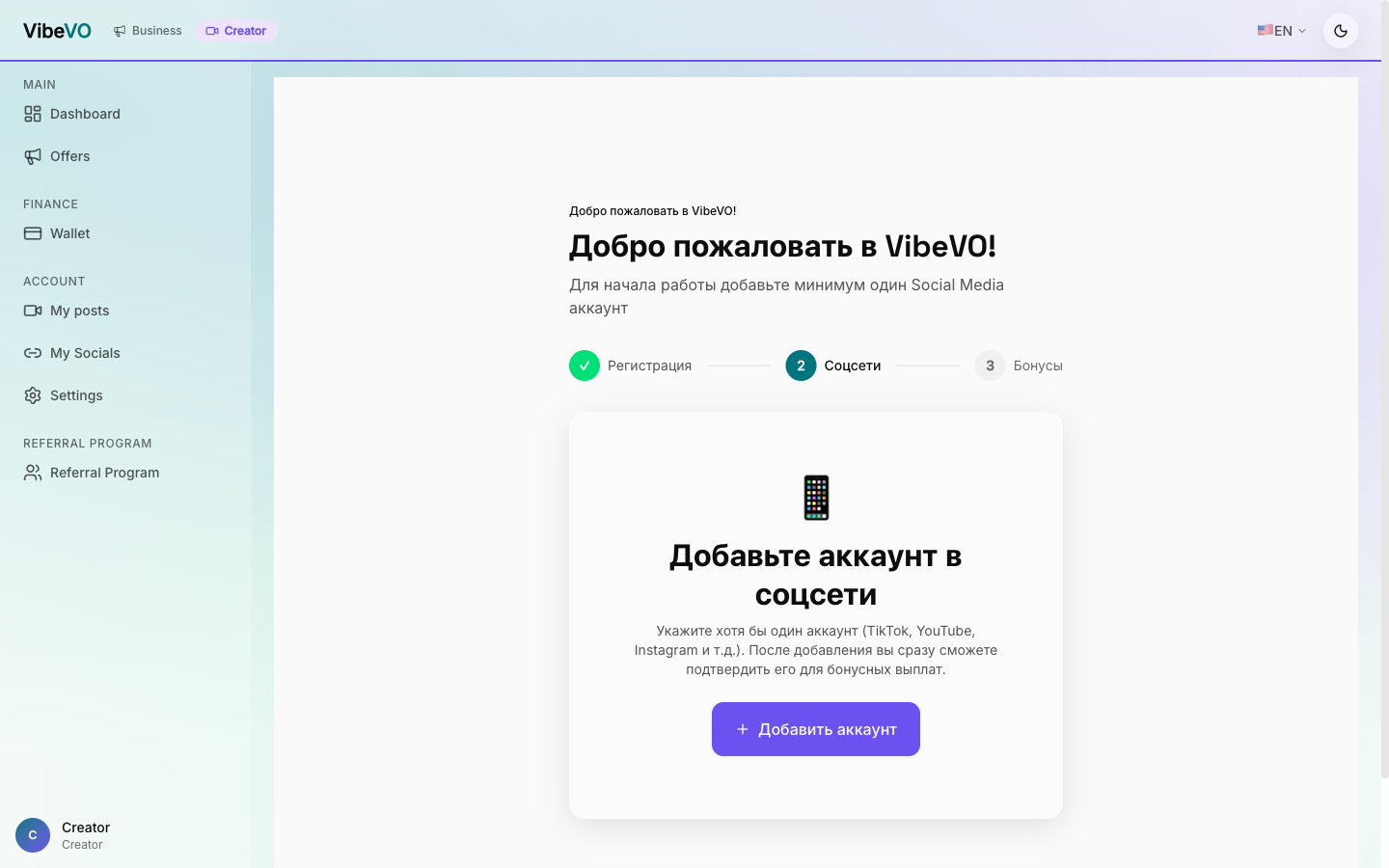
More on the process: Connect accounts
Get verified
After connecting, confirm ownership with a code in the channel description or profile bio. If the interface asks for statistics, upload a short stats video or session. We check account authenticity and compliance with platform requirements.
The mandatory steps for sending videos to moderation, including the stats upload, are described in the guide Verification and stats.
Choose a campaign
Go to the campaign catalog. You'll see available campaigns with descriptions, budgets, and requirements. Click "Participate" on the campaign that interests you.
Start earning
Add the ad integration to your video. Once views start coming in, you'll see your earnings from verified views on the dashboard. Withdraw funds using the available wallet methods.
Was this article helpful?
Updated: May 7, 2026